
Artificial intelligence has fundamentally reshaped how students learn, research, and manage their academic lives. With over 86% of students now using AI for schoolwork and the global AI in education market reaching $6 billion in 2025 , 2026 represents a pivotal moment where AI literacy is no longer optional—it’s essential.

This comprehensive guide ranks the top 10 AI tools for students in 2026, organized by category, to help you build your perfect academic tech stack.
Explore our list of the Top 10 AI tools for students in 2026 to enhance your educational experience.
📊 Quick Comparison Table: Top AI Tools for Students 2026
📚 Top 10 AI Tools for Students in 2026
| Category | Tool | Best For | Free Option | Student Pricing |
|---|---|---|---|---|
| All-Purpose Assistant | ChatGPT | Conversational learning & problem-solving | ✅ Yes | $20/month (Plus) |
| Research & Notes | NotebookLM | Source-grounded research & summarization | ✅ Yes | Free (Google) |
| Writing & Grammar | Grammarly | Academic writing & plagiarism detection | ✅ Yes | ~$12/month (Premium) |
| Study & Tutoring | Khanmigo | Personalized Socratic tutoring | Free for teachers | $44/year |
| Note-Taking & Transcription | Otter.ai | Lecture transcription & summaries | ✅ Yes (300 min/month) | $8.33-$16.99/month |
| Productivity & Organization | Notion | All-in-one workspace with AI | ✅ Yes | $8/month (Student Plus) |
| Presentation & Design | Gamma | AI-powered slide decks | ✅ Yes (limited) | $15-$30/month |
| Coding & Development | GitHub Copilot | Code completion & debugging | ✅ Yes (student) | Free for students |
| Citation & Bibliography | Scribbr | Citation generation & formatting | ✅ Yes (limited) | Pay-per-use |
| Language Learning | Duolingo | Gamified language education | ✅ Yes | $6.99/month (Super) |
🏆 Category 1: All-Purpose AI Assistants
Among the Top 10 AI tools for students in 2026, look for features that enhance collaboration.
#1 ChatGPT – The Gold Standard for Academic Help
The Top 10 AI tools for students in 2026 empower learners to achieve more.
Best for: Middle school, high school, and college students needing versatile study support
ChatGPT remains the undisputed leader in 2026, with 800 million weekly active users worldwide . The latest GPT-5 update has reduced hallucinations by 45% , making it significantly more reliable for academic work.
Key 2026 Features:
- Study Mode – An interactive tutor that uses guiding questions rather than giving direct answers
- Custom GPTs – Create specialized assistants for specific courses or projects
- Deep Research – Generates comprehensive, cited reports in 5-30 minutes
Pricing:
- Free: Basic access with limited messages
- Plus: $20/month (discounts for U.S./Canadian students)
- Pro: $200/month (unlimited access)
Pro Tip: Use ChatGPT to generate practice questions and explain concepts, not to write your essays. The real value is understanding how concepts work, not getting quick answers .
#2 Google Gemini – Best for Google Workspace Users
Best for: Students deeply integrated into Google’s ecosystem
Gemini shines with its seamless integration into Google Docs, Gmail, and Drive. College students receive a free one-year trial of Gemini Pro (renewal at $19.99/month) .
Key Features:
- Native multimodal processing (understands images, audio, video)
- Can digest lecture recordings and complex diagrams
- Deep research capabilities (Enterprise tier)
📚 Category 2: Research & Note-Taking
The Top 10 AI tools for students in 2026 are designed to support various learning styles.
#3 NotebookLM – The Anti-Hallucination Research Tool
Best for: Graduate students, researchers, and anyone writing papers
NotebookLM stands out because it only answers based on your uploaded sources – PDFs, Google Docs, website links, or lecture notes. This means virtually no hallucinations, and every response includes citations .
What Makes It Special:
- Upload up to 50 sources (free version)
- Automatically generates summaries and study guides
- Can even convert your research into a podcast-style audio overview
- Each answer links back to the original source
Pricing: Free for individual users via Google; paid upgrades available
#4 Otter.ai – Never Miss Lecture Details Again
Best for: Students who struggle with note-taking during fast-paced lectures
Otter.ai transcribes lectures in real-time with impressive accuracy, identifying different speakers and generating automated summaries .
Key Features:
- Real-time transcription with speaker identification
- Automated summaries and action items
- Integrates with Zoom, Meet, and Teams
- Searchable transcripts for easy review
Pricing:
✍️ Category 3: Writing & Grammar
#5 Grammarly – Your AI Writing Coach
Best for: Every student who writes essays, papers, or reports
94% of Grammarly Pro users report grade improvements . The 2026 update introduces powerful academic-specific features.
2026 Features:
- AI Grader – Provides rubric-aligned feedback before submission
- Citation Finder – Locates credible sources and formats citations in APA, MLA, or Chicago style
- Authorship tool – Categorizes text by origin (human/AI-generated/external) for transparency
- Works across 500,000+ apps and websites
Pricing:
🧠 Category 4: Study & Tutoring
#6 Khanmigo – The Socratic Tutor
Best for: K-12 students needing guided, ethical tutoring
Developed by Khan Academy, Khanmigo uses the Socratic method – asking guiding questions rather than giving answers. This approach builds understanding rather than encouraging shortcuts .
Key Features:
- Personalized tutoring across math, science, writing, and coding
- Bite-sized lessons with skill assessments
- Available to teachers for free
Pricing:
#7 QuillBot – Paraphrasing & Summarization Expert
Best for: Students refining essays and condensing research
QuillBot helps students rephrase sentences, summarize long texts, and check for plagiarism without changing the original meaning .
When looking at the Top 10 AI tools for students in 2026, consider their user-friendliness and accessibility.
Key Features:
- Multiple paraphrasing modes (Standard, Fluency, Creative, etc.)
- Summarizer for long articles and papers
- Grammar checker and citation generator
Pricing:
📅 Category 5: Productivity & Organization
#8 Notion – The Ultimate Student Workspace
Best for: Students who want everything organized in one place
Notion combines notes, tasks, databases, and calendars with powerful AI features. Students get a 50% discount on the Plus plan .
Notion AI Capabilities:
- Summarize lecture notes automatically
- Generate study guides from your notes
- Brainstorm essay outlines
- Create flashcards and quizzes
Pricing:
🎨 Category 6: Presentations & Design
#9 Gamma – Presentations That Impress
Utilizing the Top 10 AI tools for students in 2026 can help you stay organized and on task.
Best for: Last-minute presentations that still look professional
Gamma transforms simple text prompts into fully designed, visually stunning presentations in seconds. It can also generate images and infographics based on your prompts .
With the Top 10 AI tools for students in 2026, you can streamline your research process.
Key Features:
- Text-to-presentation generation
- Modern, professional templates
- Built-in image and infographic generation
- Responsive design that works on any device
Pricing:
💻 Category 7: Coding & Development
#10 GitHub Copilot – Your Coding Companion
Explore the benefits of the Top 10 AI tools for students in 2026 for better writing skills.
Best for: Computer science students and anyone learning to code
GitHub Copilot suggests code completions in real-time, helping students learn syntax, debug errors, and understand programming logic faster .
Key Features:
- Real-time code completions and suggestions
- Instant debugging help
- Explains complex logic in simple terms
- Supports multiple programming languages
Pricing: Free for students through GitHub Student Developer Pack
🎯 Bonus Tools Worth Mentioning
⚠️ Important Considerations When Using AI Tools
1. Don’t Over-Rely
AI tools should amplify your learning, not replace it. Use them to understand concepts, not to avoid doing the work .
2. Always Verify Facts
Even the best AI models can “hallucinate” or provide incorrect information. Cross-check important facts with textbooks or trusted sources .
3. Check Your School’s AI Policy
Many professors now have specific policies about AI usage for assignments. Some prohibit it entirely, while others encourage transparent use .
4. Privacy Matters
Tools like Grammarly and ChatGPT meet FERPA requirements, but always be cautious about uploading sensitive information .
5. Start Free, Upgrade Intentionally
Most tools offer robust free versions. Only upgrade when you consistently need features that save meaningful time or improve quality .
🚀 Final Thoughts
The best AI tools for students in 2026 aren’t about cutting corners—they’re about studying smarter, not harder. Whether you need help with research, writing, organization, or coding, there’s an AI tool designed to support your learning journey.
Your Action Plan:
- Start with ChatGPT (free) or NotebookLM (free) for general study help
- Add Grammarly for writing support
- Use Otter.ai for lecture transcription
- Upgrade to paid plans only when free tiers limit your productivity
Remember: AI is a tool, not a substitute. The most successful students in 2026 will be those who learn with AI, not those who let AI learn for them.
Choosing from the Top 10 AI tools for students in 2026 can significantly impact your academic performance.
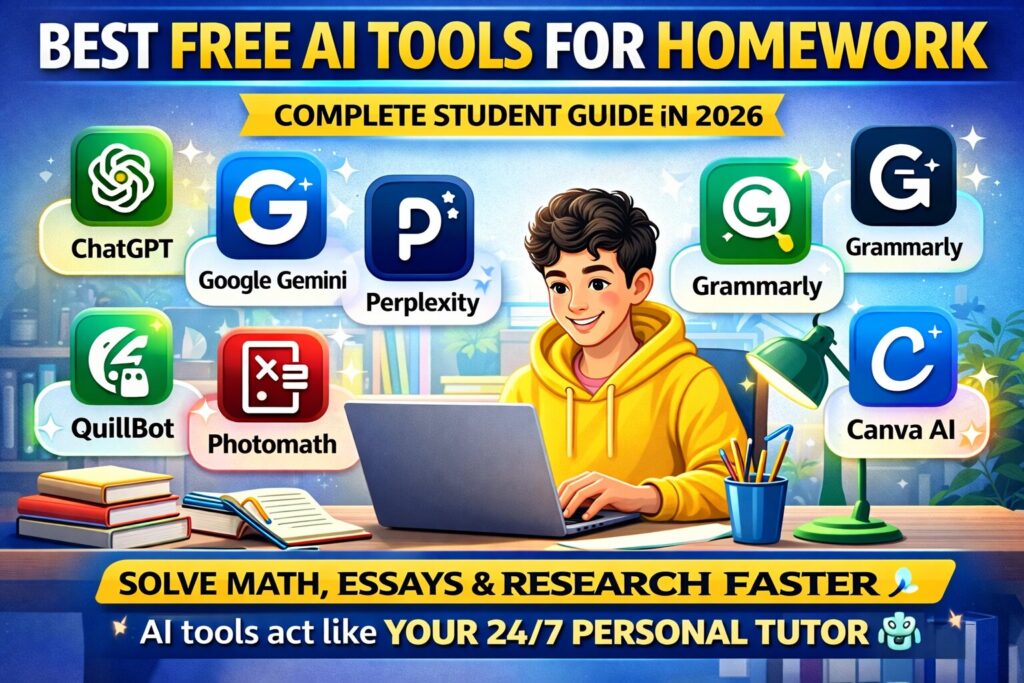
Pingback: Best Free AI Tools for Homework in 2026 (Complete Guide)